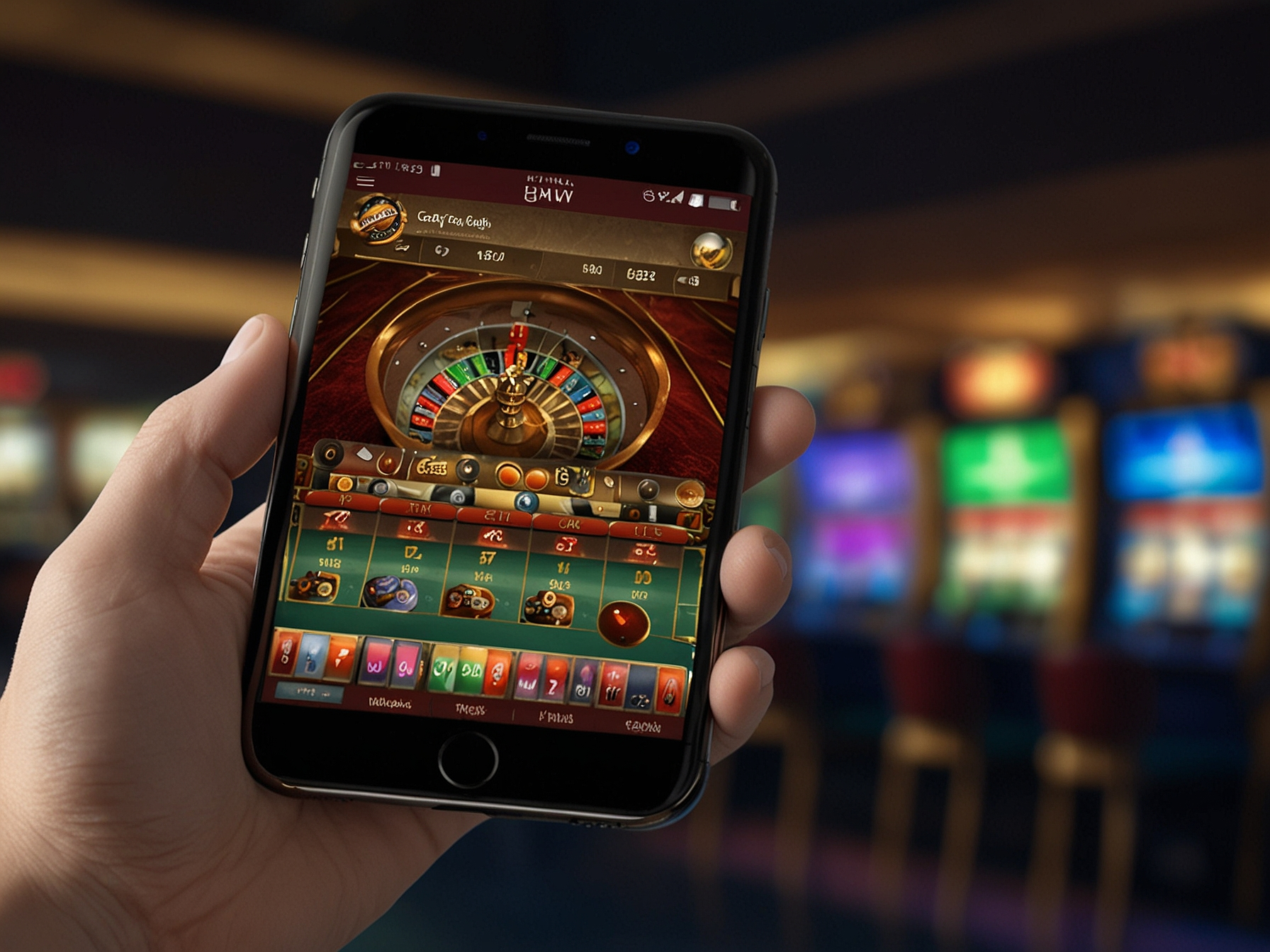
The mobile version of WildTornado is built to be responsive and intuitive across a wide range of devices. The interface adapts to different screen sizes, ensuring that menus, game thumbnails and promotional banners remain clear and accessible. Most games run smoothly within the mobile browser, with performance optimized through modern web technologies. You do not need to download anything to access the mobile site; simply open your browser, navigate to WildTornado and log in. For convenience, you can add a shortcut to your home screen for faster access in the future.
To ensure best performance on mobile browsers, keep your device OS and browser updated, close unnecessary background apps, and use a stable internet connection. Some older devices may experience reduced performance with high-fidelity live streams, so switching to lower quality or selecting non-live game modes can help preserve smooth gameplay. If you plan to play frequently on mobile, consider using the dedicated app for the best optimized experience, though the mobile web remains a very capable alternative for casual sessions.
For troubleshooting, clear your browser cache or try a different browser. If a game fails to load, report the issue with device details to support so our team can investigate and recommend a solution.
For a more integrated experience, download the WildTornado mobile app for easier access and notifications.
No, the mobile web version runs in your browser without installation. For extended functionality, you can download the mobile app.
Most games are available, but some older or highly specialized titles may only be on desktop. Live casino and popular slots are typically available.
Yes. The mobile site uses the same encryption and security standards as the desktop version.
Yes — deposits and withdrawals are supported through the mobile interface just like on desktop.